
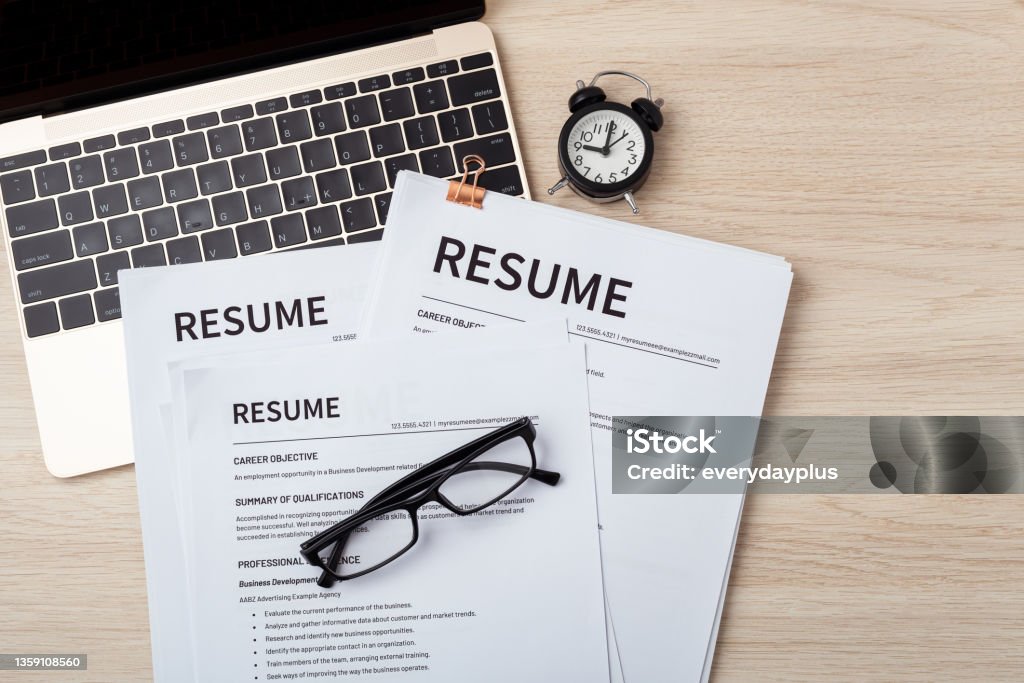

"Free" is doing a lot of heavy lifting in most resume builder ads. You sign up, build your whole resume, and then hit a paywall right at the download button. If you're searching for the best ai resume builder free option, you're not just looking for a tool, you're trying to avoid that exact bait-and-switch.
Here's what actually separates a useful, genuinely free ai resume maker from one that just looks free until you need the file.
Why So Many "Free" Tools Aren't Really Free?
Most resume builders make money one of three ways: a subscription, a one-time export fee, or your data. The subscription and export-fee models are usually upfront about it once you dig into the pricing page the frustrating ones are the tools that let you build an entire resume, invest 20–30 minutes filling in your work history, and only then reveal that downloading it requires payment.
This isn't inherently dishonest, building software costs money but it wastes your time if you don't check first. The fix is simple: look at the pricing page before you start filling in your details, not after.
What an AI Resume Builder Is Actually Supposed to Do?
Strip away the marketing and a good ai resume helper should do three things well:
Format your experience into a clean, ATS-readable layout
Suggest stronger, more specific wording for your bullet points
Tailor keywords to match the role you're applying for
If a tool does all three without charging you at the export step, it's worth using. If it does none of them beyond a template, it's just a document editor with an "AI" label on it. It's worth remembering that "AI-powered" has become a marketing phrase almost as much as a technical description. Plenty of tools slap the label on a basic template picker with no real language generation behind it.
6 Things to Check Before You Trust a "Free" Resume Maker AI:
1. Is the download actually free, or just the editing?
Plenty of tools let you build a resume for free, then lock the PDF export behind a subscription. Check the pricing page before you invest time filling in your work history. A quick way to test this: look for an explicit mention of "free download" or "free export," not just "free to start."
2. Is the output ATS-friendly?
Fancy templates with graphics, columns, and icons often break applicant tracking systems, which means your resume never reaches a human reviewer. A genuinely useful resumemaker ai should default to clean, parseable formatting not just visually nice design. If a tool lets you preview the plain text version of your resume, that's usually a good sign it's thinking about ATS compatibility, not just visual polish.
3. Does it tailor content to the job, or just reformat what you type?
The "AI" part should be doing more than restyling your paragraphs. Look for tools that suggest role-specific keywords or rewrite weak bullet points into outcome-focused ones. For example, turning "responsible for managing social media" into "grew social engagement by restructuring posting cadence and content mix" assuming that's accurate to what you actually did. A tool that just moves your original text into a nicer font isn't really doing the "AI" part of the job.
4. Can you export in the format you actually need?
Some employers want a PDF, some want a Word doc, and some ATS systems parse plain text more reliably than either. A resume builder is free of major restrictions and should give you more than one export option, since you may need to submit different formats depending on the application portal.
5. Does it keep your data private?
Worth a quick check of the privacy policy some free tools monetize by selling user data rather than charging directly. Your resume contains your full work history, contact details, and sometimes salary expectations, so it's worth two minutes to see how a tool describes its data practices before uploading everything.
6. Is there a limit on edits or resumes?
Many "free" plans cap you at one resume or a handful of edits before pushing you to upgrade. If you're applying to multiple types of roles, say, both data analyst and data scientist positions you'll likely need to tailor your resume more than once, so a hard cap on edits can become a real limitation fast.
Red Flags Worth Watching For
Requires payment info before you've even seen a preview
Templates heavy on graphics, columns, or icons (bad for ATS)
No visibility into pricing until you're already deep into the builder
Vague claims like "used by millions" with no way to verify them
No option to preview or check how the resume parses before downloading
None of these are automatic disqualifiers on their own, but if a tool hits two or three, it's worth pausing before you commit your work history to it.